
How to deflect support tickets with an in-product AI assistant
The 2026 playbook for ticket deflection. Five steps plus the anti-patterns that cap most teams' deflection rate. Built around what works when your product ships faster than your docs.

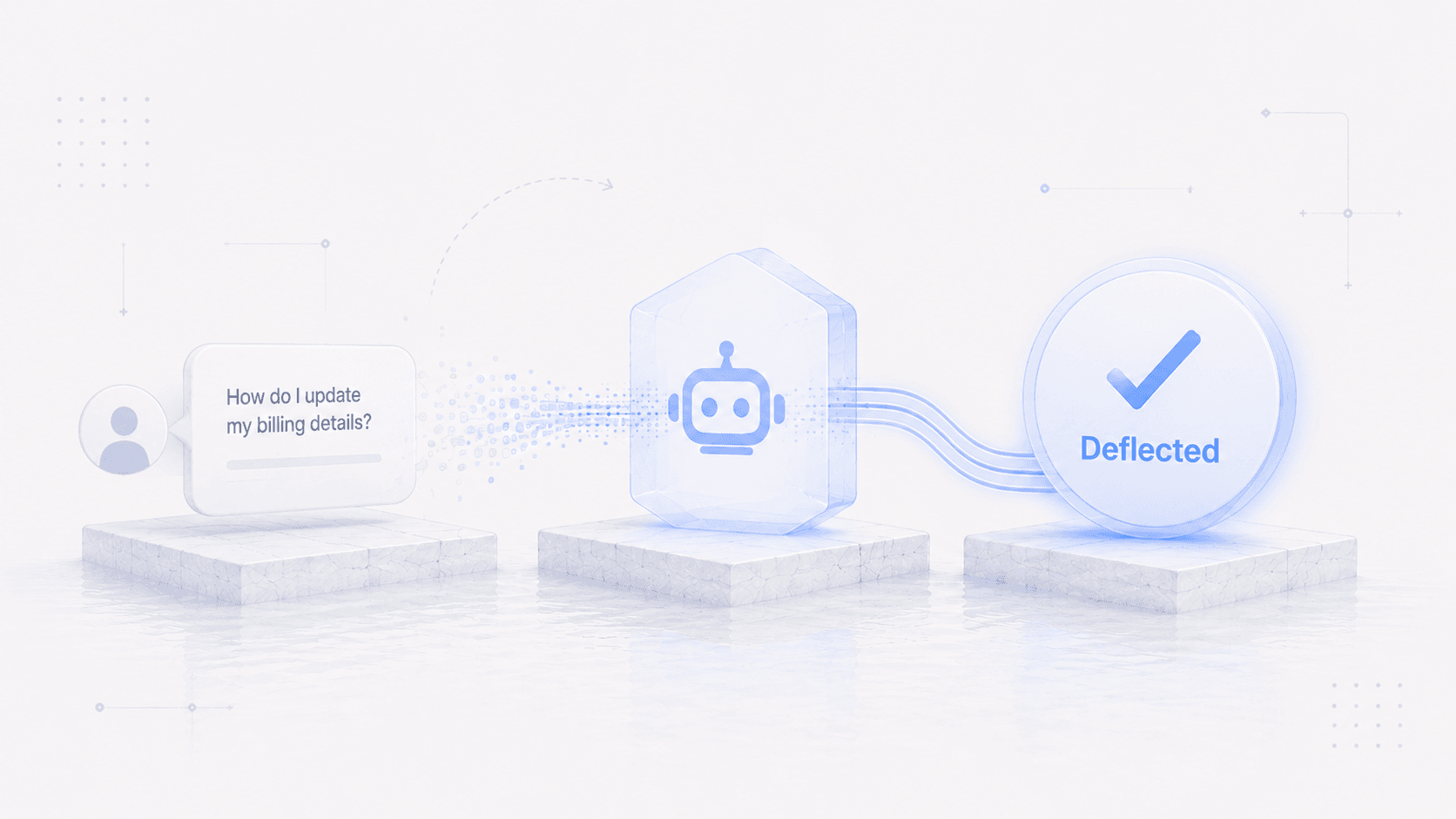
The way to deflect support tickets in 2026 is to answer users inside the product, on the screen where they got stuck, and take the action with them so the ticket never gets filed. That's what we built the Frigade Assistant to do. It learns your product by using it, keeps that knowledge current as you ship, and walks users through the live workflow. A help center and a chatbot on top of it still have a place, but they stop improving once your product changes faster than your docs.
Support tickets cost between $15 and $25 to handle for tier-one issues, plus the bigger hidden cost of users who churn before the answer arrives.
Most companies try to reduce that with a help center, an in-app chatbot that points at help center articles, or an AI bot summarizing the same knowledge base. All three plateau at the same place. The moment your product changes faster than your docs can keep up, the support deflection rate stops climbing.
This post is the ticket deflection playbook that works in 2026. Five steps, plus the anti-patterns that cap most teams' deflection rate.
Why traditional ticket deflection has stopped working
The help-center model wasn't built for modern SaaS. Products ship faster than docs can keep up. A continuous-deployment team can change a workflow on a Tuesday morning and the related help article goes stale that afternoon. By the time someone writes an updated article on Friday, three more flows have changed.
Users don't read documentation either. They Cmd-F inside the app. When they can't find what they need, they ping support. An AI chatbot trained on the stale knowledge base inherits the same problem. The bot is only as smart as its corpus, and the corpus is always behind.
The result: deflection rates plateau in the 15 to 25 percent range for most teams that rely on knowledge-base-driven help. Past that, the same questions keep coming in.
The 5-step playbook that deflects tickets
Step 1: Map the questions your team gets over and over
Pull the last 90 days of tickets and categorize them. The biggest cluster is usually customer onboarding: setup and first-time-use confusion. You'll find that 60 to 80 percent of all incoming tickets fall into a handful of repeatable patterns: how do I do X, why isn't Y working. These are the deflection targets.
Most teams skip this step and immediately reach for the tool. That's why their deflection numbers stall. You can't automate answers to questions you haven't named.
Step 2: Put help inside the product itself
The reason in-app help wins over help-center articles is that the user is already in context. They don't have to switch tabs, search a knowledge base, or translate their question into the words a docs writer chose.
An in-app AI assistant that lives inside your product surfaces help in the moment of need. The user asks "how do I score a lead" and the assistant walks them through it on their current screen, with their current account state. The in-app prompts only show up when somebody is stuck.
Step 3: Let the assistant take the action for the user
This is the step most teams miss. A traditional help center explains how to do something. A modern in-product AI assistant goes one step further and does it for the user.
If a user asks "how do I invite my team", the right experience is the assistant opening the invite modal with the cursor already in the email field, ready for the user to type.
Action-taking is the deflection layer that matters. Explanations send users back into the product to do the work. Actions complete the task on the user's behalf, which is what they were trying to do in the first place.
Step 4: Hand off to humans with full context
The AI won't handle everything. Some questions need a human, especially for billing, account changes, or anything custom.
The handoff is where most AI deflection fails. The user re-explains their problem, the human re-asks the same triage questions, and the customer feels like they're starting over. Bad handoff is worse than no AI at all.
A good in-product AI assistant logs the full conversation, the screens the user touched, and the actions it attempted. When the ticket lands in a human's queue, the human has everything they need. The first response can go straight to the answer.
Step 5: Measure deflection AND sentiment
The most common mistake teams make after deploying an AI assistant is celebrating the ticket drop and ignoring the sentiment data.
A ticket count going from 1,000 to 600 looks great on a slide. But if the 400 deflected users left the product frustrated, you've moved the cost from your support team to your churn rate.
Track ticket volume, completion rate on assistant conversations, satisfaction score on the AI interactions, and downstream user activation or churn. Strong deflection should move all four of these. Watching ticket count alone hides the case where deflected users leave the product instead of asking again.
The in-product approach with Frigade
Steps 2 and 3 are what the Frigade Assistant handles. It lives inside your product, builds its own knowledge of the product by using it, and re-learns when you ship a change, so nobody has to rewrite articles for it. When a user asks how to do something, it answers on the screen they're on and takes the action with them. When it isn't sure, it says so and hands off with the full conversation attached. If you want to see why that refusal matters, we wrote up why AI support agents give wrong answers.
Legacy help center vs in-product AI assistant: side by side
| Help center / DAP chatbot | In-product AI assistant | |
|---|---|---|
| Where help lives | Separate page, separate tab | Inside the product, in context |
| Updates when product changes | Manual rewrite | AI re-learns on its own |
| Answer type | Static article | Live walkthrough in the user's account |
| Action capability | None | Opens the right screen and takes the action with the user |
| Handoff quality | Re-explanation required | Full session context passed through |
| Deflection ceiling | 15 to 25 percent | 50 percent and up |
Anti-patterns that cap your deflection rate
Most teams get one or more of these wrong on the first deployment. Each one either caps the deflection ceiling or burns user trust.
Letting the assistant guess. When the AI doesn't know the answer, it shouldn't make one up. Wire it to escalate confidently on uncertain questions, even if the deflection score dips a few points. The alternative is a confidently wrong answer the user follows into a broken state.
Measuring deflection without watching satisfaction. Deflection rate is the metric you optimize for here. Satisfaction is the guardrail that tells you whether users are actually getting helped or just giving up and walking away. You need a pulse on both. The deflection number on its own can move up for the wrong reasons.
Trying to deflect moments that need a human. "I want to cancel my account" is the case to hand off. The user is on their way out, and a human on the other end can understand what's actually wrong and maybe win them back. The assistant should hand these off instantly, with full context attached. Billing disputes and churn moments belong here too, anywhere the user's emotional state matters more than the literal answer.
Looping users instead of handing off. AI in-app support can feel like talking to an expert who actually knows your product. It can also feel like the ninth ring of customer-service hell: stuck on a Comcast call where you keep yelling "AGENT" and the bot keeps dropping you back at the main menu. Users punish the second version hard. The escape hatch doesn't need to be visible from the first message. The assistant just needs to know when the conversation has stopped being useful and hand off to a human with full context.
Treating every deflection as a win. Deflection is the right metric, but a deflected question can mean two very different things. It can mean the AI handled something the user shouldn't have had to ask, which is the goal. It can also mean a usability problem in your product just turned into a chatbot interaction instead of a redesigned flow. One is a win. The other is a signal to ship a product change. Frigade Insights auto-categorizes the conversations and surfaces where the same questions keep showing up, so you can tell which deflection is real and which is hiding something deeper.
FAQ
What is in-product AI ticket deflection?
In-product AI ticket deflection is the practice of putting an AI assistant inside your software that handles user questions before they become support tickets. Instead of pushing the user out to a help center or a "submit a ticket" form, the assistant gives them help inside the product itself. It understands their account state and the screen they're on. It can also take actions for them when they ask.
How is this different from a help center chatbot?
Help center chatbots are useful for synthesizing across articles and saving users from having to skim individual help pages. The limit is that they're isolated from the product. They don't know about the specific error the user is staring at or the configuration choices in front of them right now. They also can't help with anything new your team shipped this week, since the help center hasn't been updated yet. An in-product AI assistant works from the live product itself, so it can answer about what the user is actually seeing and walk them through it.
How much can I expect to deflect with an AI assistant?
Teams using static knowledge bases typically plateau in the 15 to 25 percent deflection range. Teams using a true in-product AI assistant with action-taking and auto-learning routinely hit 50 percent and up, with categories like setup, configuration, and basic how-tos sometimes reaching 80 to 90 percent.
Doesn't this just push the bad experience from support to AI?
Only if you stop at explanations. Action-taking is what makes deflection feel like real help to the user. If the assistant completes their task in the moment, the user gets the outcome they came for, instead of a redirect to a help article.
What metrics should I track?
Track ticket volume, completion rate on assistant conversations, satisfaction score on the AI interactions, and downstream user activation or churn. Strong deflection should move all four of these. Watching ticket count alone hides the case where deflected users leave the product instead of asking again.
Where to start
Start with Step 1. Pull your last 90 days of tickets, categorize them, and pick the top three categories that look automatable. Most teams find that 60 to 80 percent of their support volume falls into a handful of patterns an in-product AI assistant can handle.
If you want to see an in-product AI assistant running on a real product, the Frigade Assistant is one option.