
All updatesAssistant 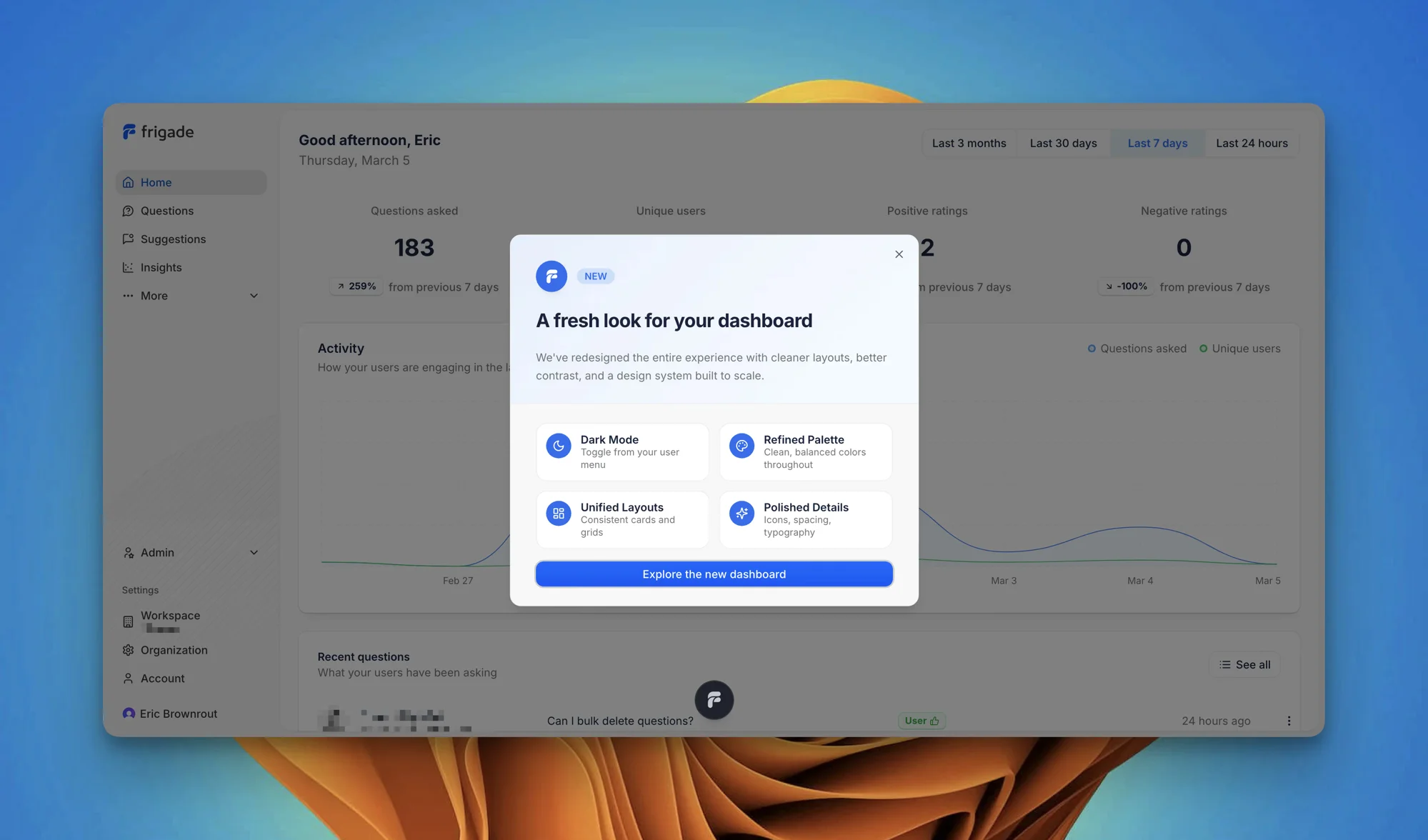
A More Polished Dashboard, Plus Dark Mode
The dashboard is the place where you manage everything about your Frigade setup, and it should feel as considered as the product itself. We've gone through every page and tightened up the visual consistency, spacing, and interaction patterns.
What we improved:
- Dark mode now works across every page, including auth screens, the customization editor, and all data tables. You can toggle it from your user menu.
- The customization page has a redesigned theme section with a segmented Auto/Light/Dark control and inline color pickers that make setting your brand colors faster.
- Pages like Agents and Suggestions have cleaner layouts that are easier to scan and manage.
- Better keyboard navigation and screen reader support throughout.
A more cohesive experience across the board. Surfaces that previously felt inconsistent now share the same visual language. Less friction when configuring your setup, especially around theming and branding.
Enjoy and let us know what you think!