
All updatesAssistant 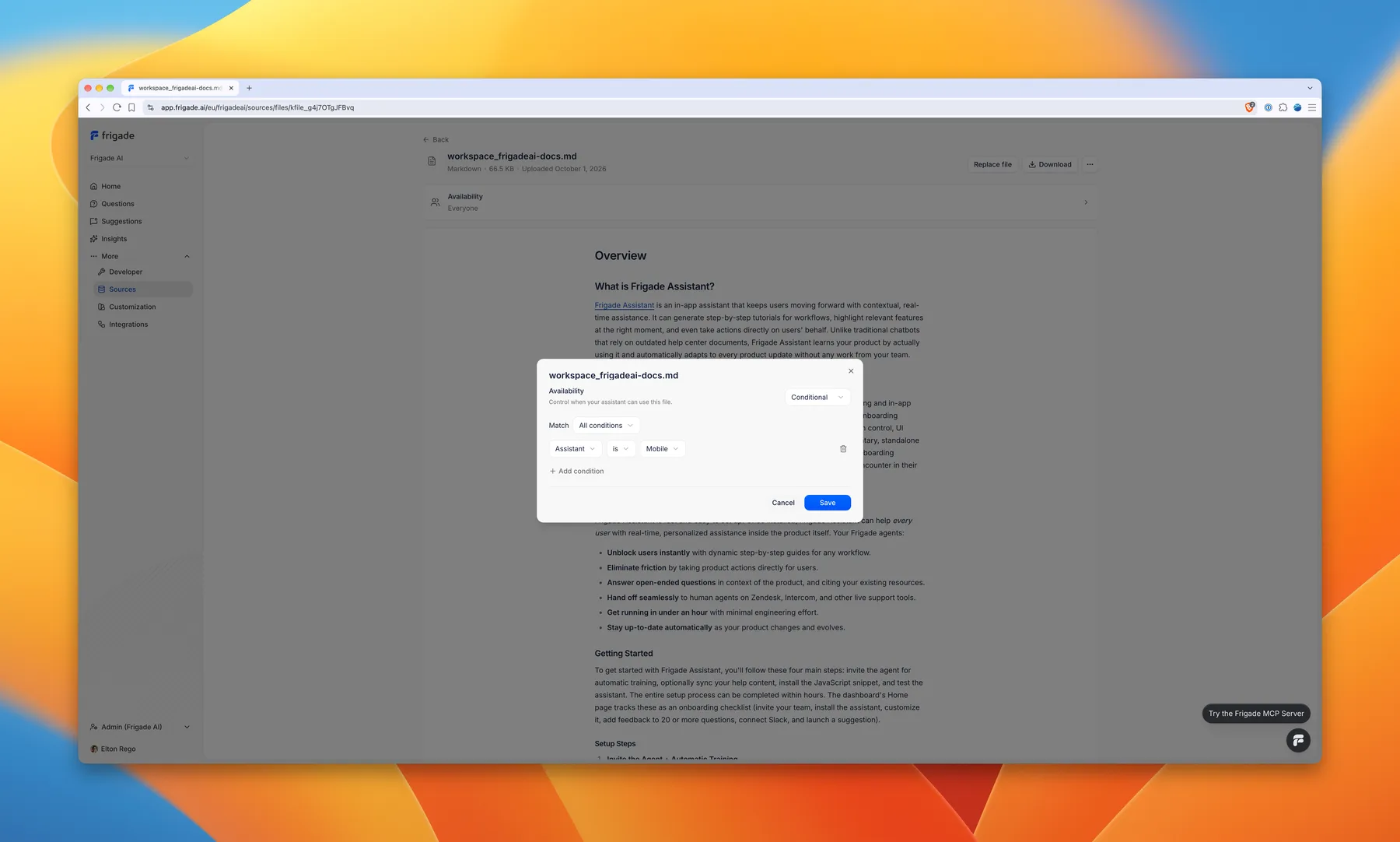
Target an uploaded file to specific users
Uploaded files can now be targeted to specific users based on the properties you share with Frigade. When you upload a file, you choose whether everyone gets answers from it or only users who match a set of conditions. Conditions work the same way as Suggestions targeting, using a user property, a cohort, or the current date. If you run several assistants, you can also limit a file to one of them.
Set targeting at the end of the upload, or open any file on the Sources page to change it.