
Dashboard design roundup
A batch of design changes landed across the Frigade Assistant dashboard over the last two weeks. The common thread is reading less and finding things faster.
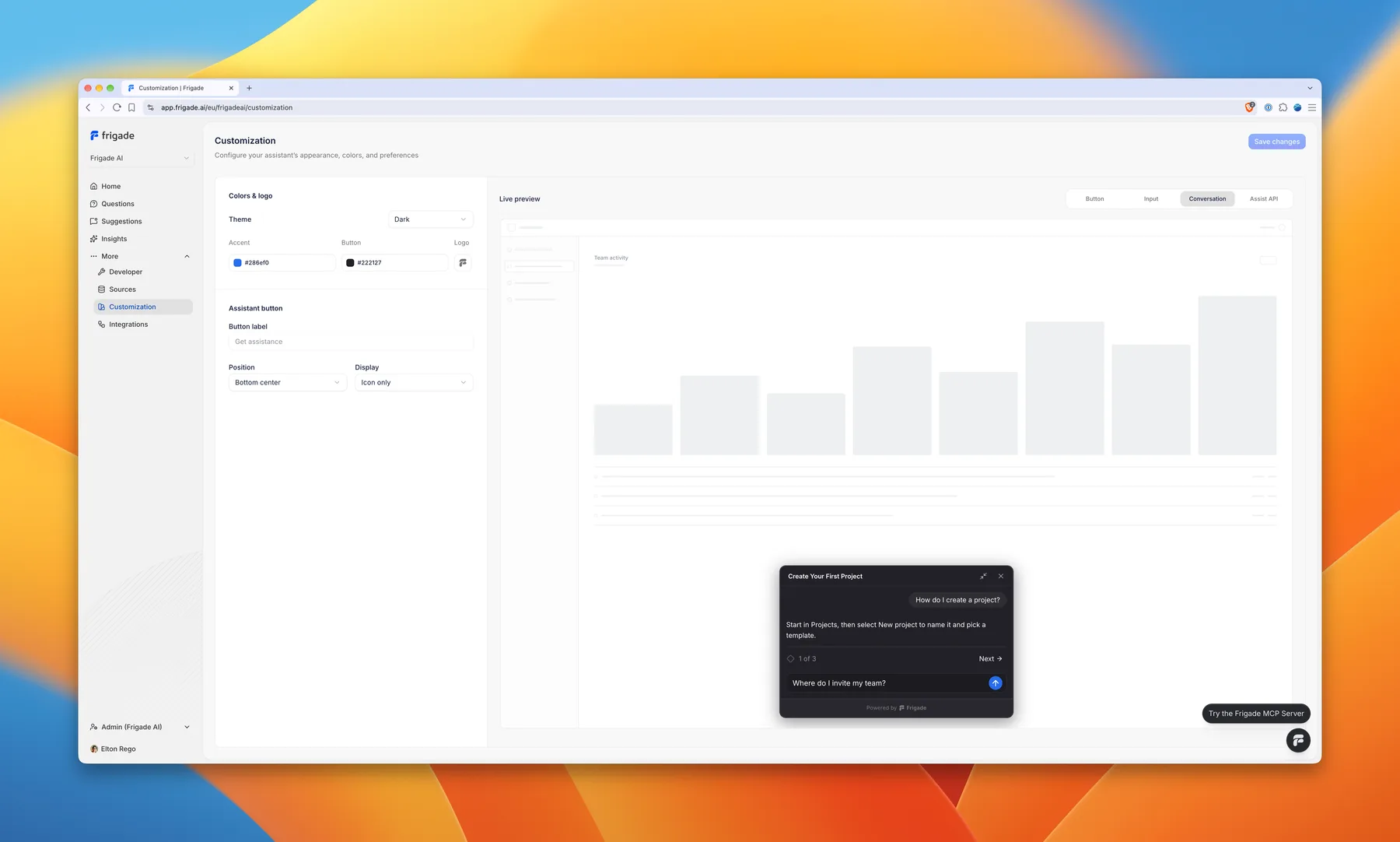
Wide monitors. The dashboard now works on large and ultrawide screens. Reading pages keep a readable width and center themselves, while dense tables use the room.
Sources. The Sources page groups everything Frigade Assistant learns from into three sections: Product agents, Knowledge agents, and Uploaded files. Each source has its own details page showing what it holds and how it feeds your assistant.
Customization. The Customization page was reworked with more customization options and a cleaner layout. The live preview runs beside the settings and follows the field you are editing, so you see the button, the input, a conversation, or the Assist API guide card as you change it.